I found fusion 360 to be much easier than free cad just because everything is much easier to move around and all of the faces were clear. One of the main difficulties I found when modeling in free cad was that it was hard to get a grasp on the full 3D picture of your model and there were so many function. Fusion 360 was much easier to understand and after doing the tutorial shapes (box and lampshade) I started to get the hang of it.
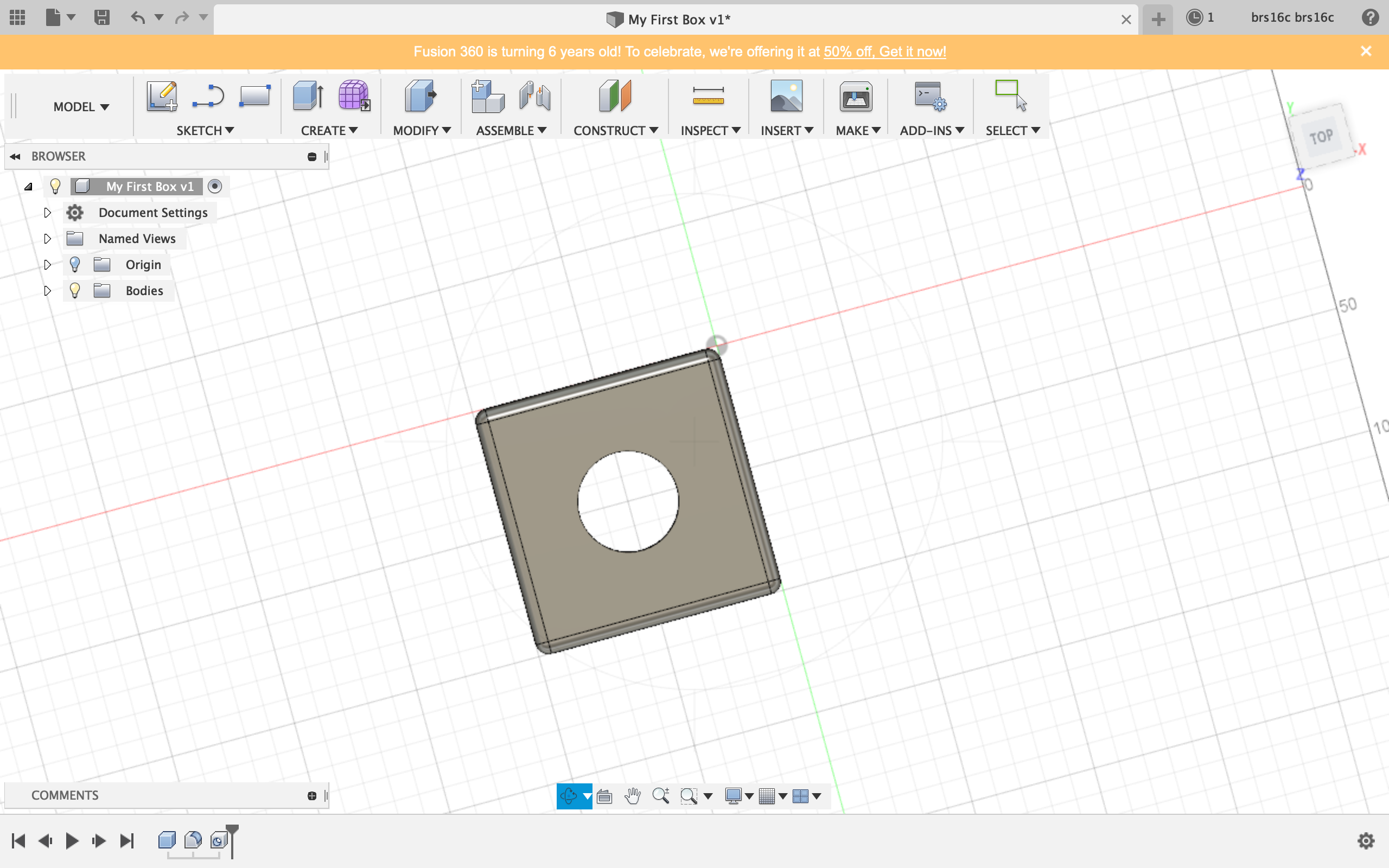
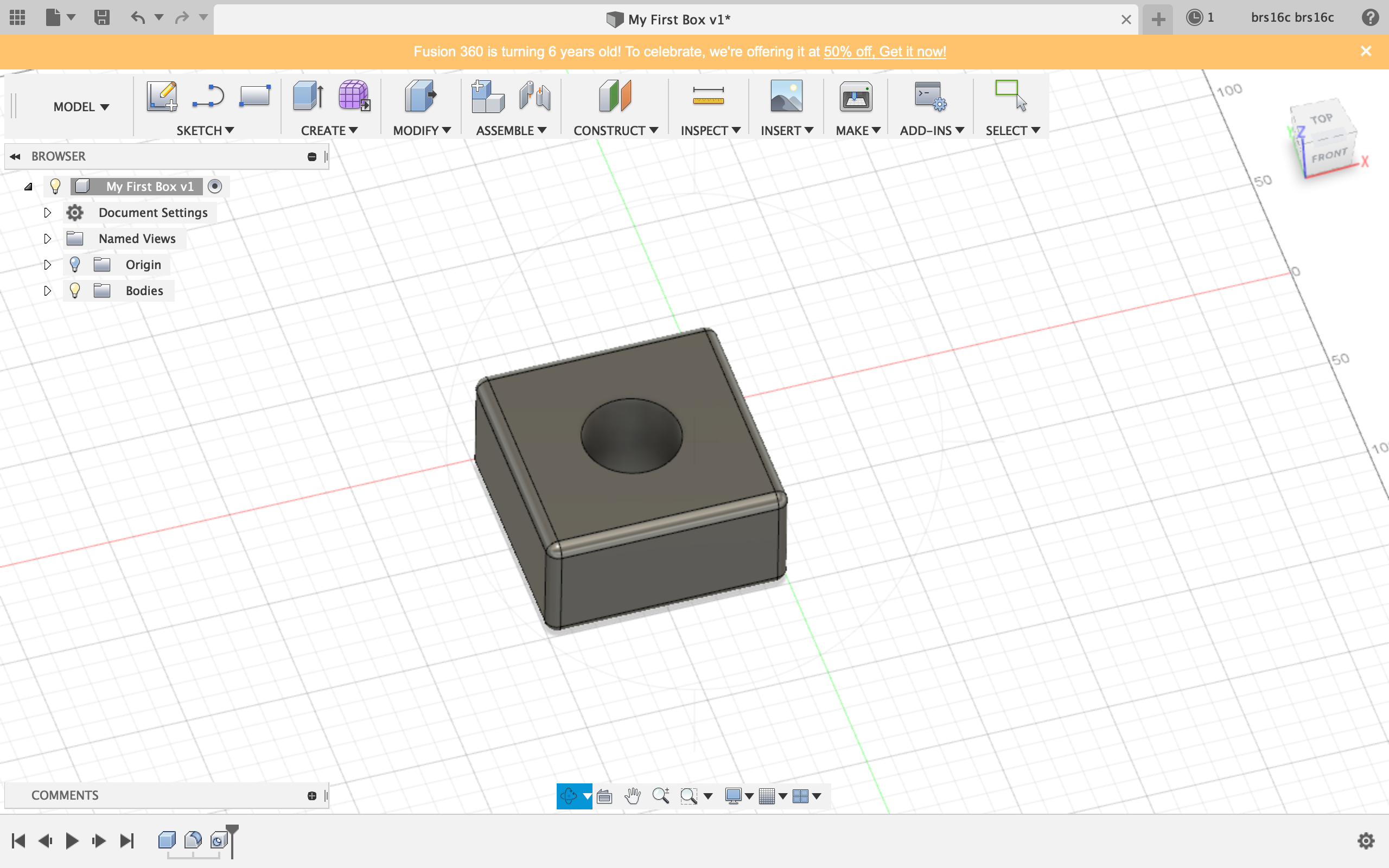
Shape 1: Box
I found this shape to be very easy to create as the tutorial walked me through the process.
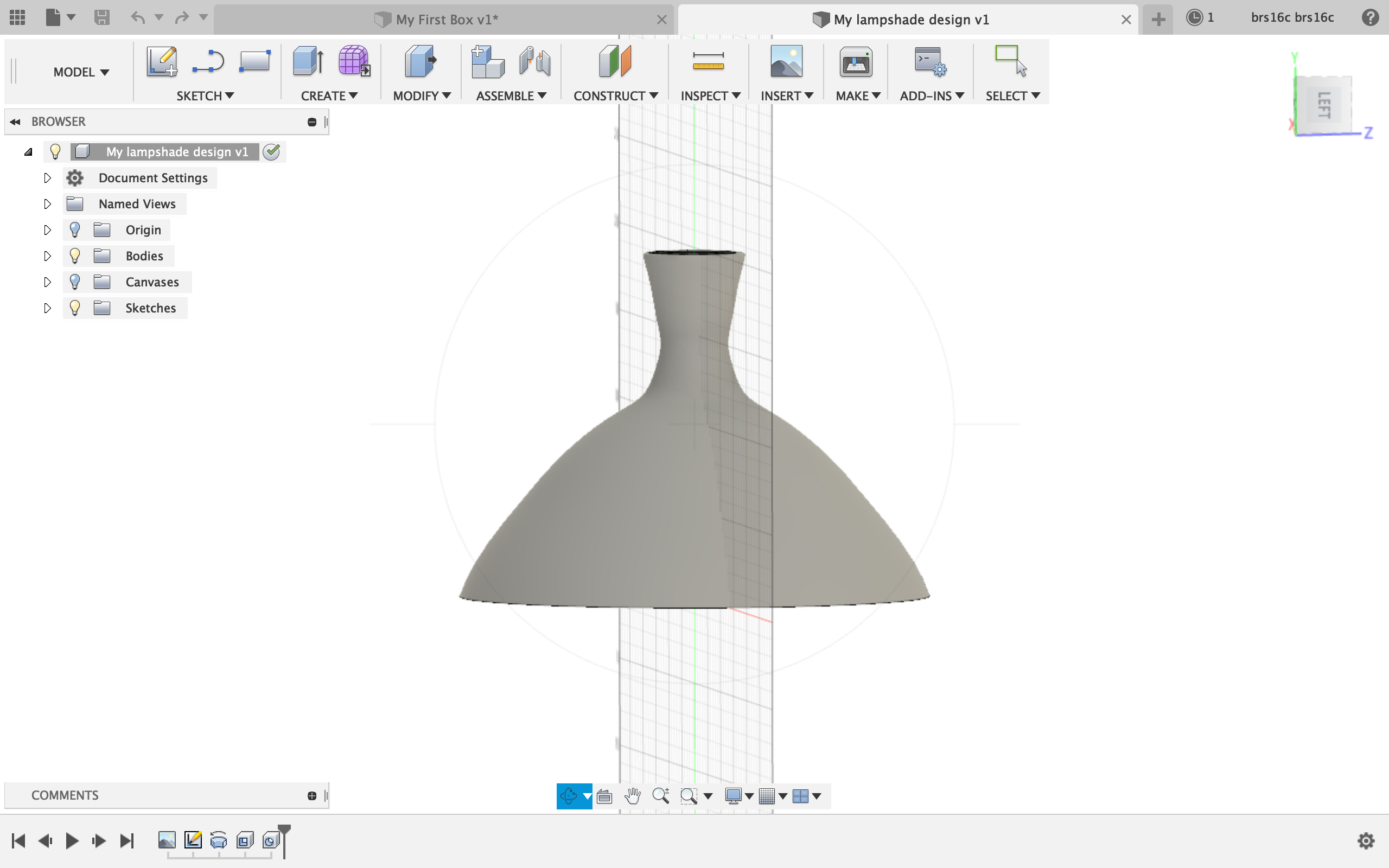
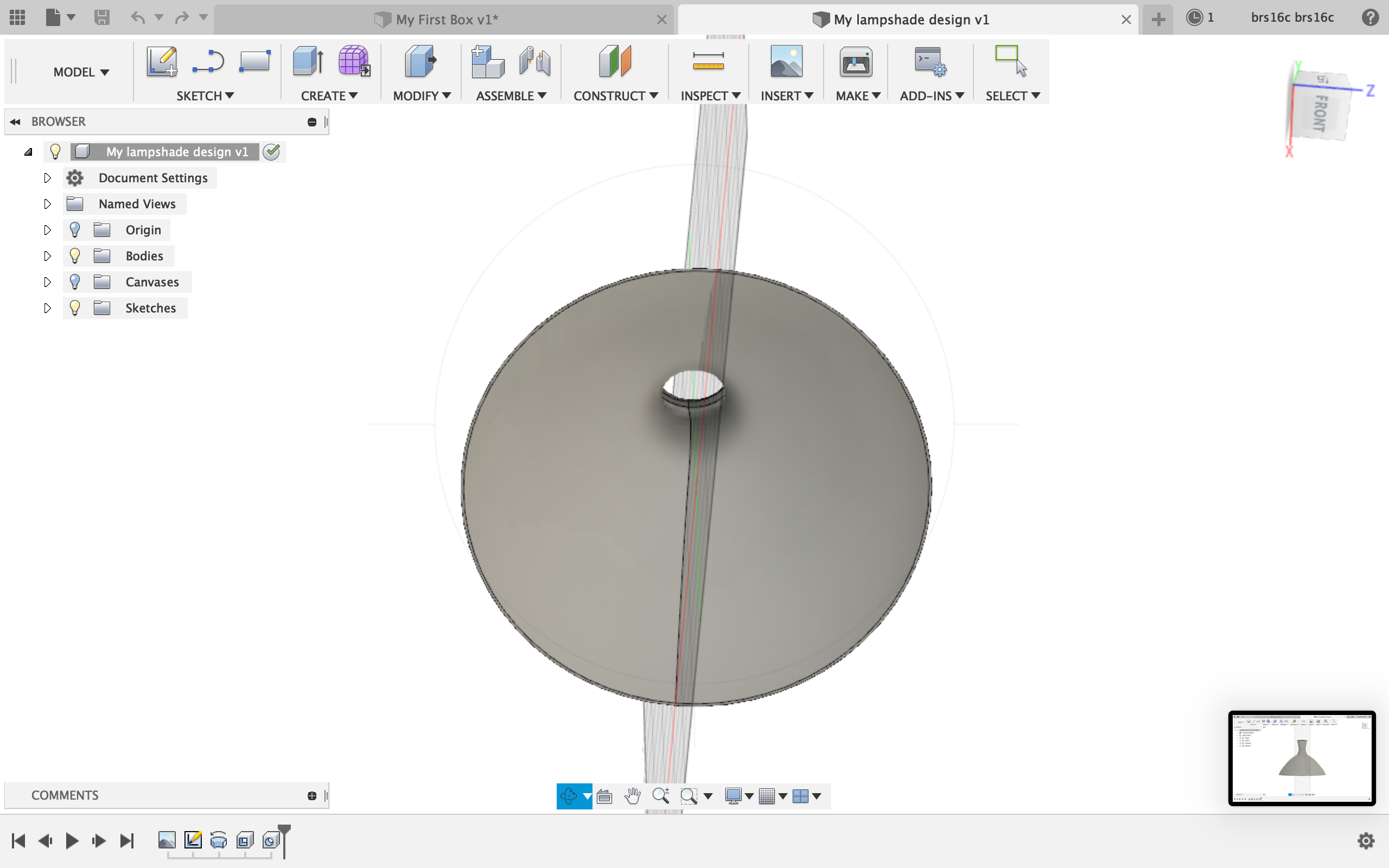
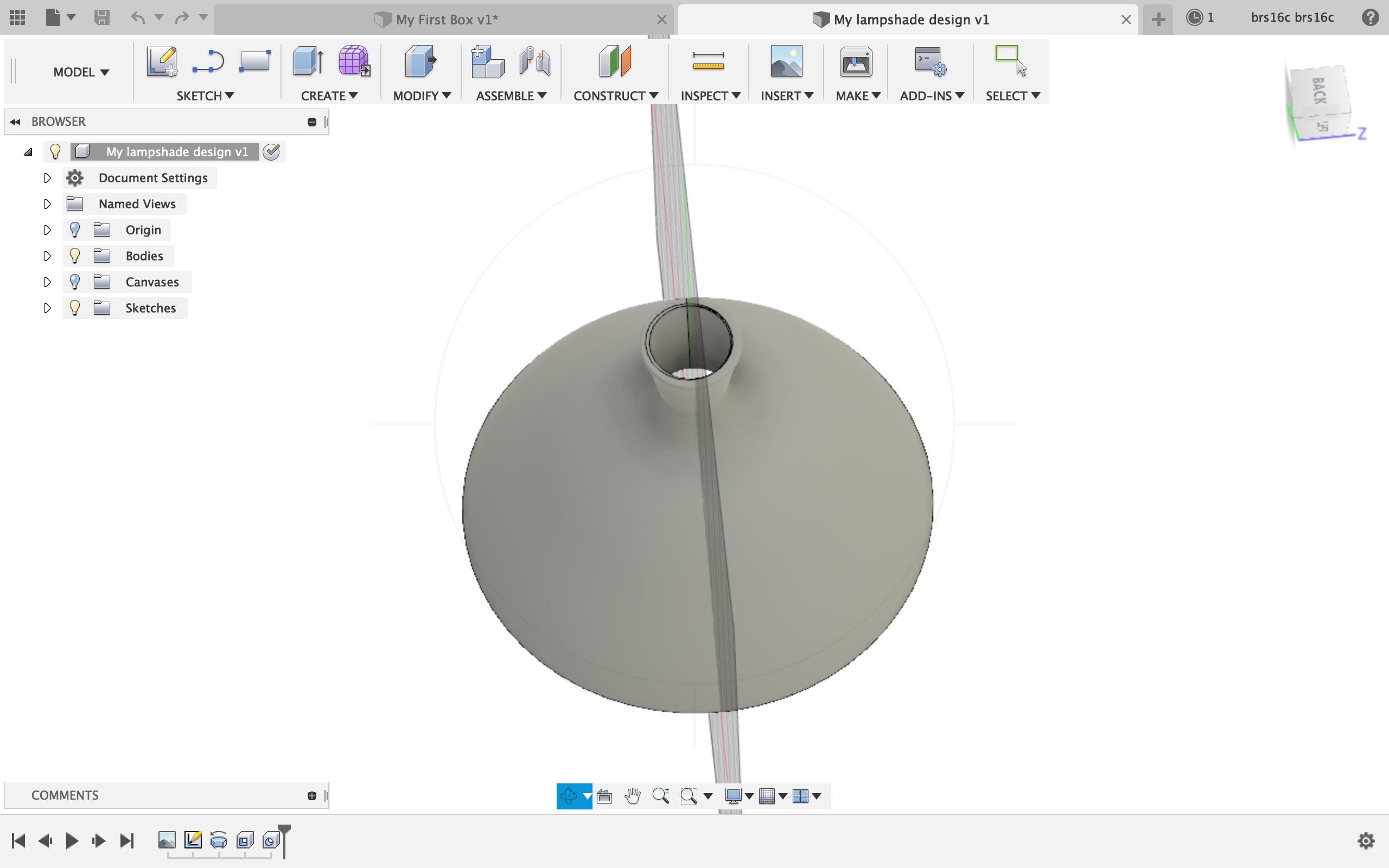
Shape 2: Lampshade
I created this lampshade using the line and spline tools in the sketch section and then rotating the lampshade around an axis to create the full shape. The last step to the lampshade was creating a hole through the top so it would be hollow. I changed the default mewl material of the lampshade to a carpet material .
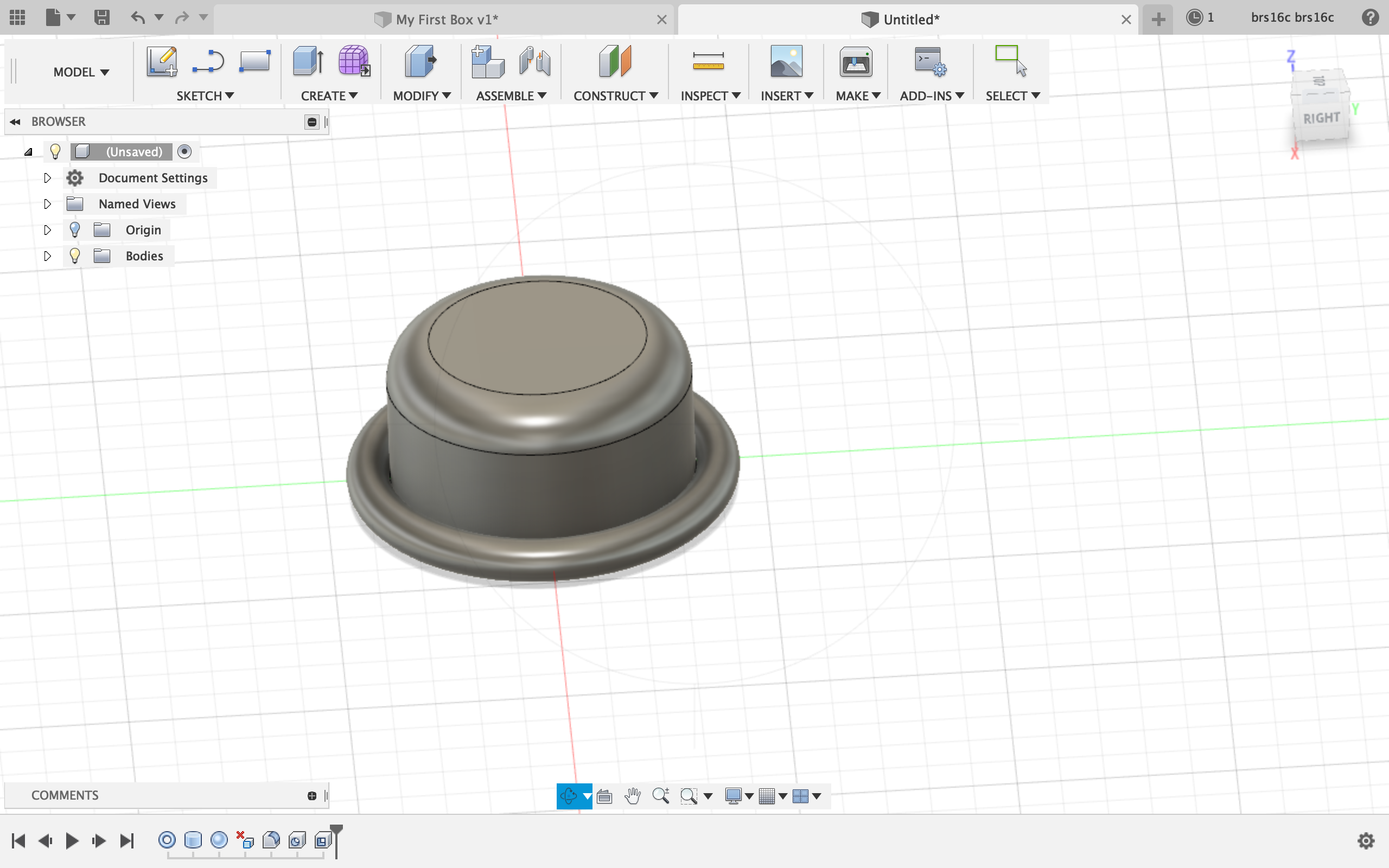
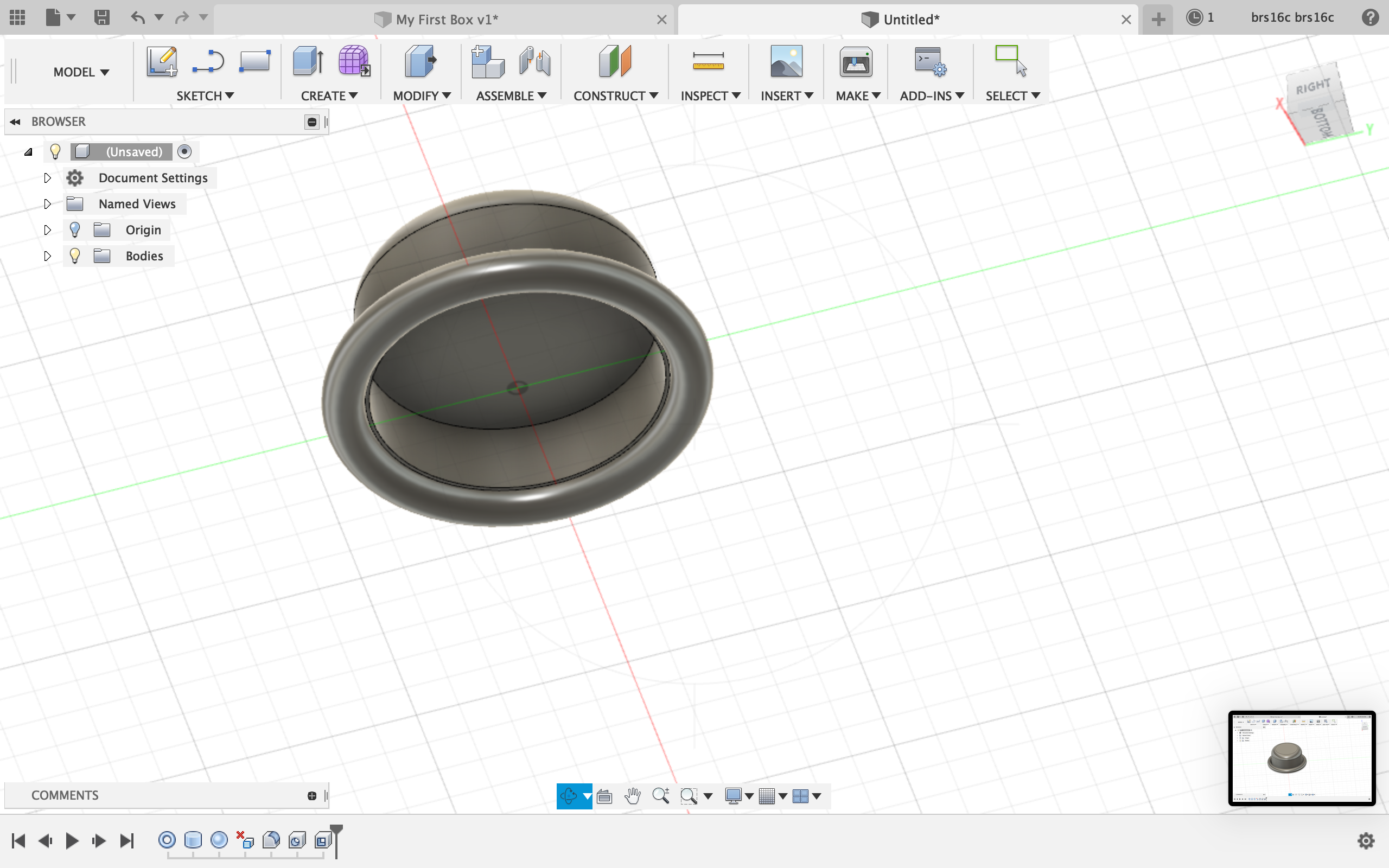
Shape 3: tophat
Here is my tophat. The only issue I had with this shape was figuring out how to make the torus hollow to create the brim. I knew I had to use one of the functions under modify. I tried using press/pull, fillet, shell, and draft, but none of these functions seemed to work. To create the rounded top of the hat, I used the fillet functions which created rounded edges of the cylinder.
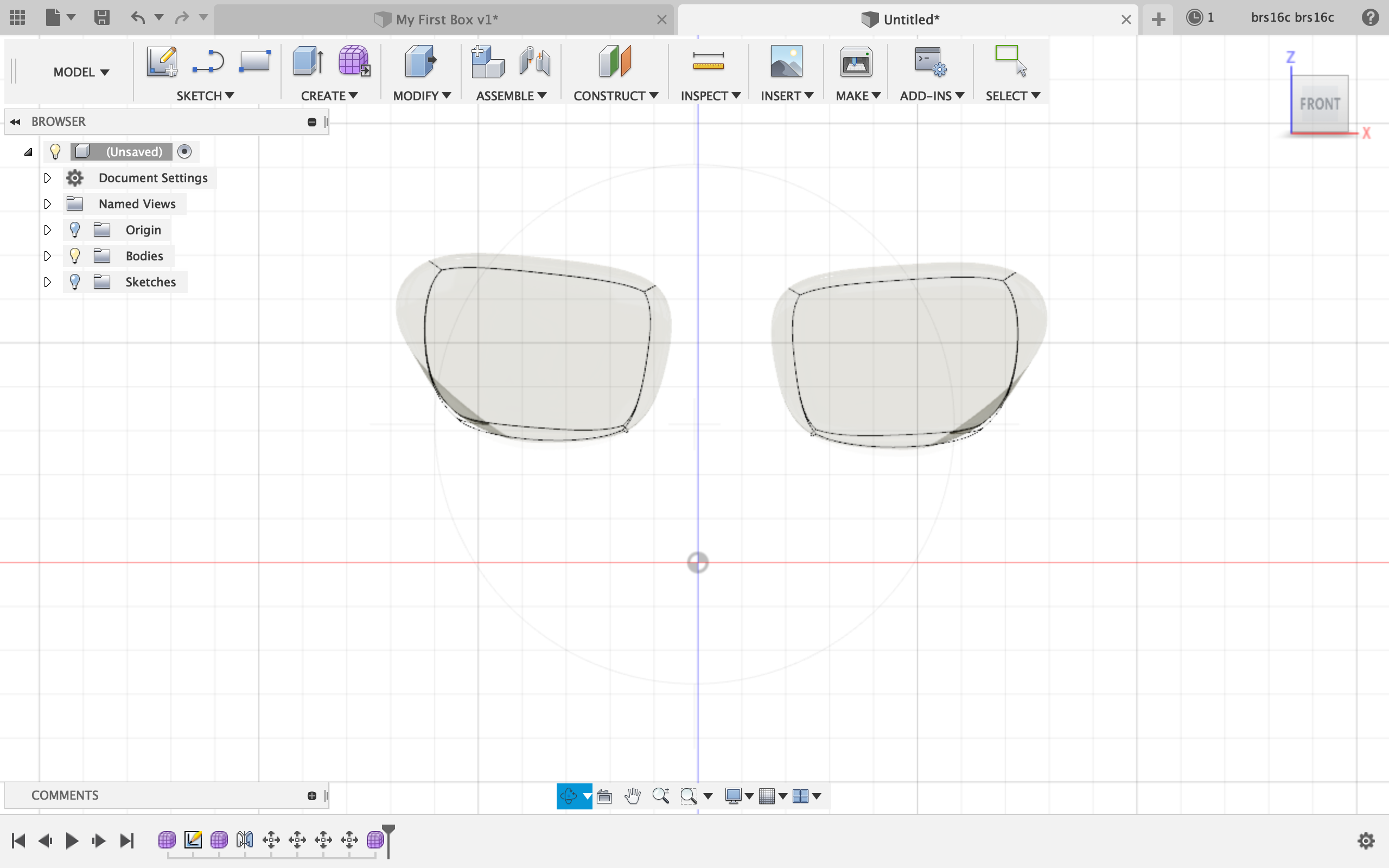
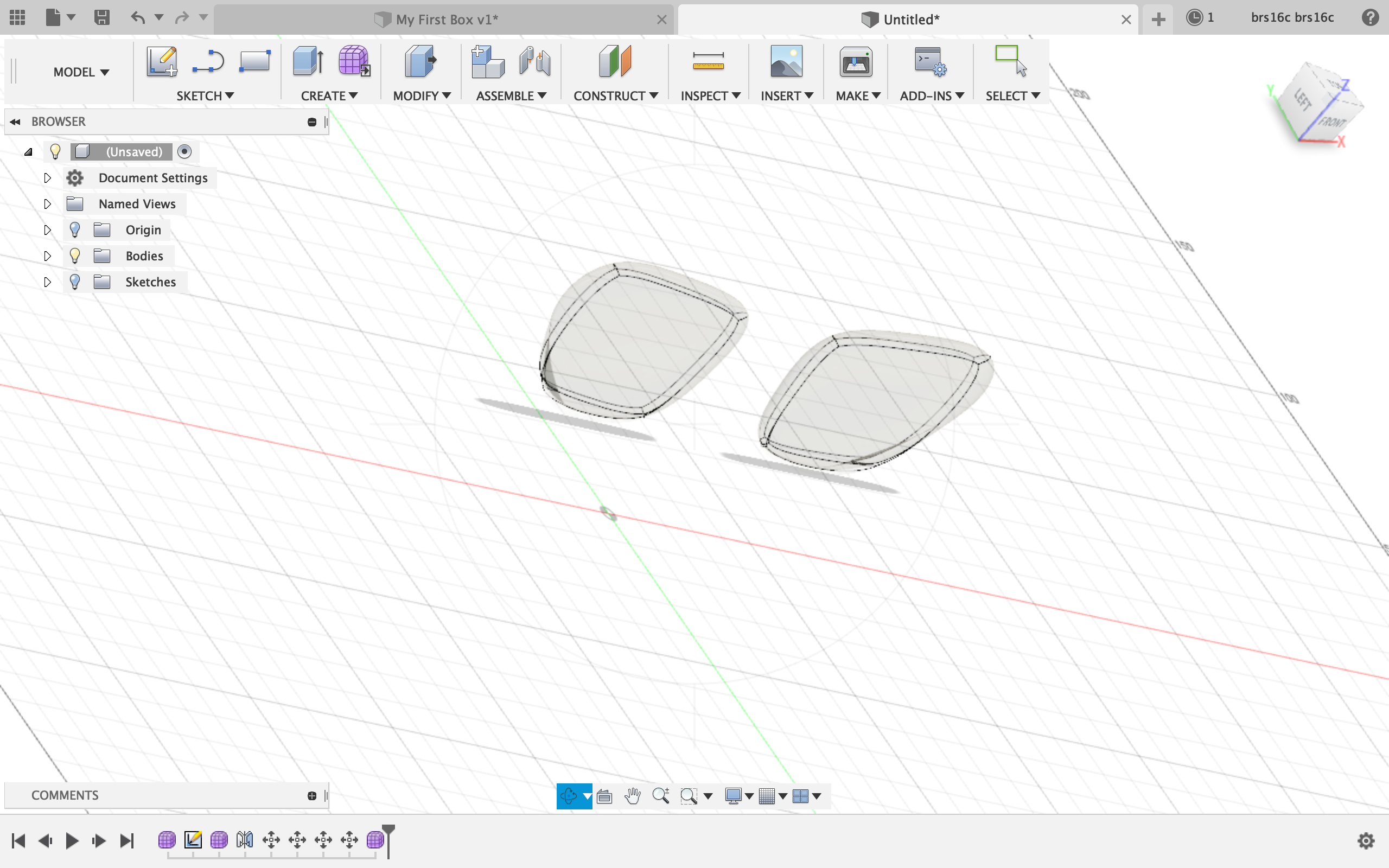
Shape 4: Aviators
The aviators were really difficult for me to create. To create the lenses, I went to create form under create and made a thin box. I then modified the box to be in the shape of a lens by pulling and dragging the edges and surfaces of the box. I then mirrored the shape across the axis to create the other lens. Unfortunately, I was having a really hard time creating the bridge between the lenses as I could not find a shape that I could mold into the bridge shape. However, I played around with the material and made the lenses glass which was cool.
All in all, Fusion 360 was easier than free cad, but making complicated shapes like the aviators was difficult for me since I was absent the day Lucas explained Fusion 360 to the class. However, I am happy with what I was able to get done by following the tutorial and playing around with the interface.

 Bennett's emerging tech blog